 benchControlPlatform
A desktop app that controls bench instruments: an oscilloscope, two power supplies and a USB meter.
- Version
- 0.6.0
- License
- MIT OR Apache-2.0
- Built with
- Rust, egui 0.31
- macOS
- used with the instruments
- Linux
- build and tests tried
What it does
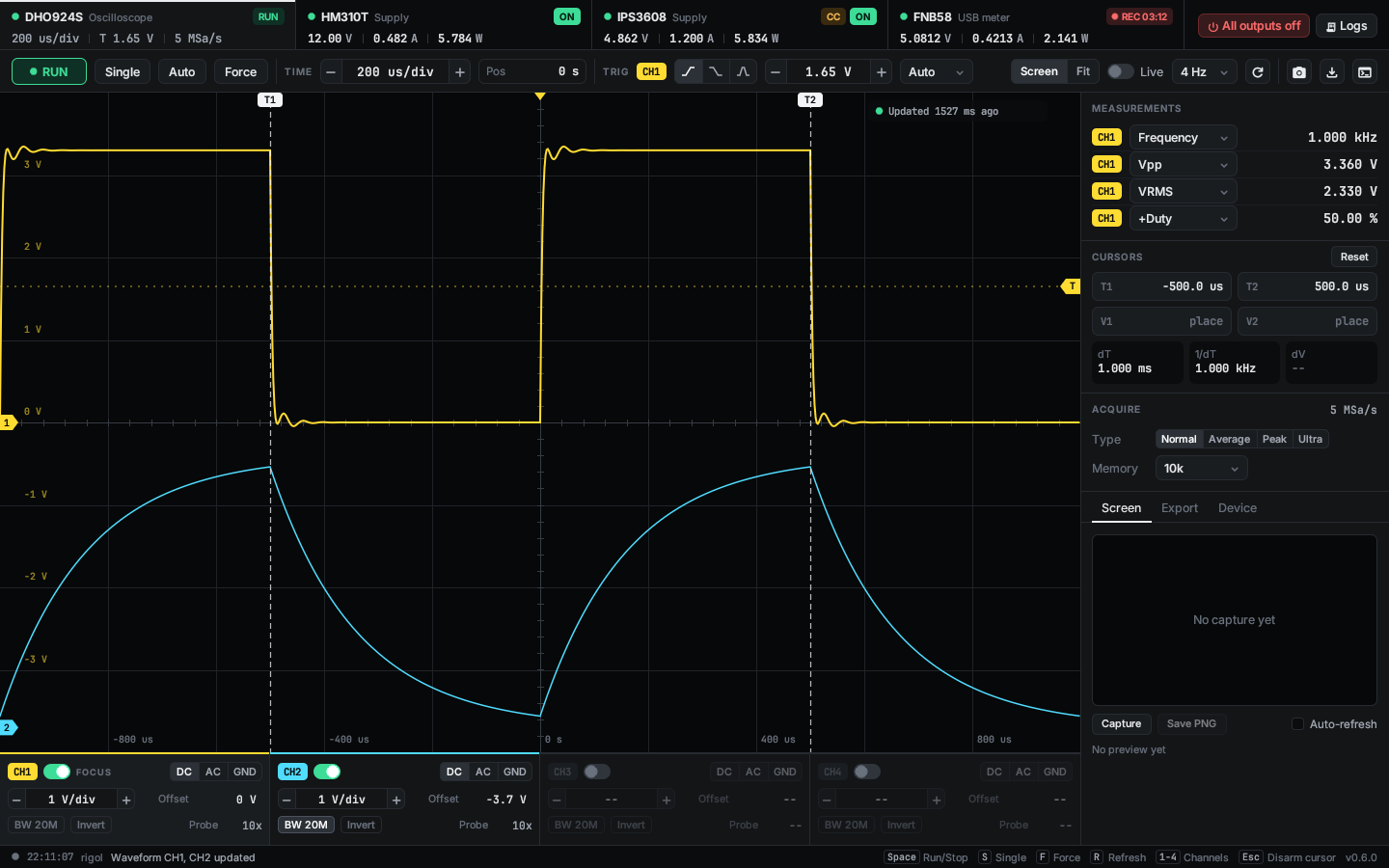
A fixed page per instrument. A tab bar shows the state and key values of all four on every page and has "All outputs off" for the supplies.
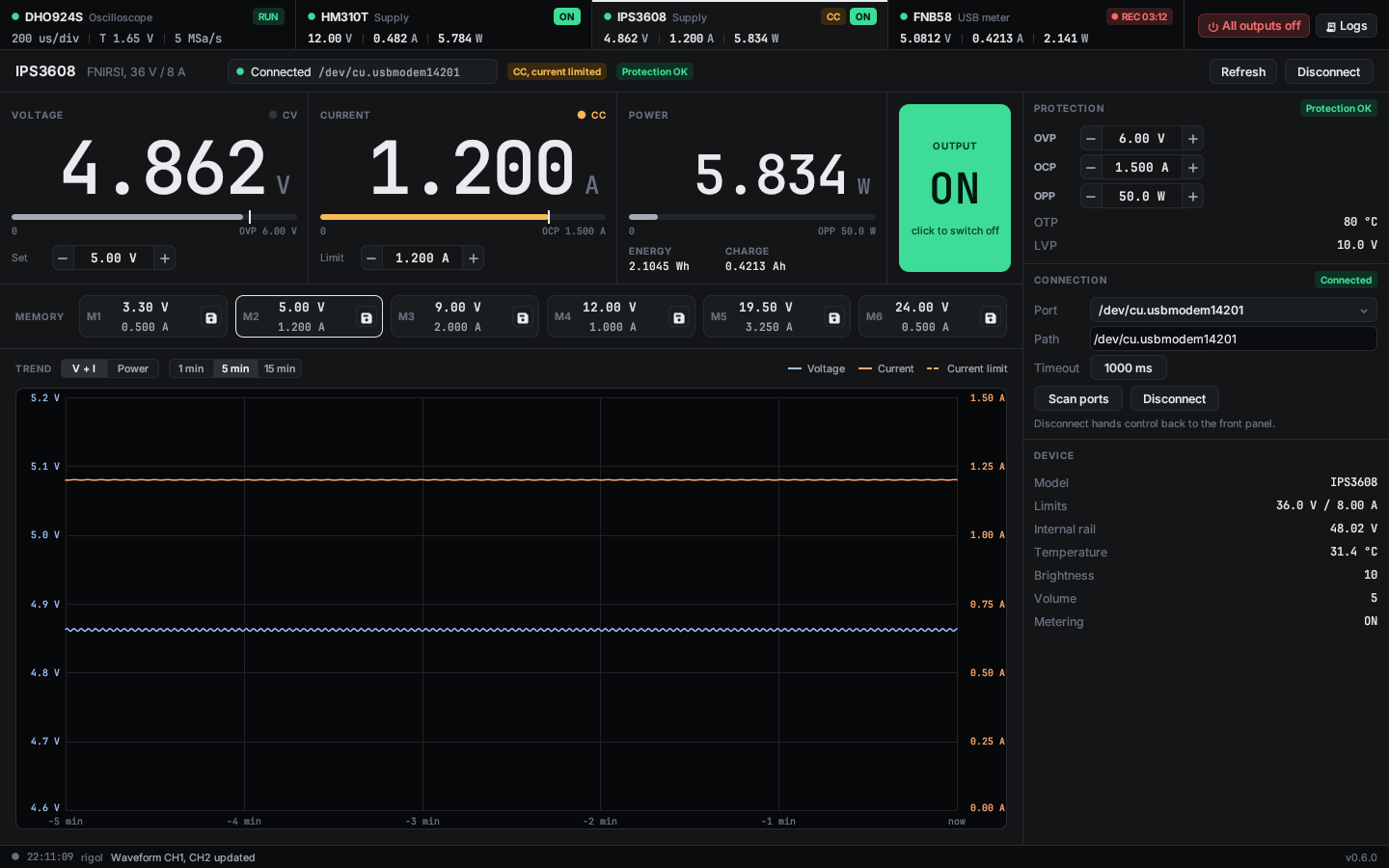
The oscilloscope page shows live waveforms with cursors and measurements, saves screenshots and waveform CSV files, and has a SCPI console. The supply pages set voltage, current and protection limits, switch the output, keep memory presets and draw a trend.
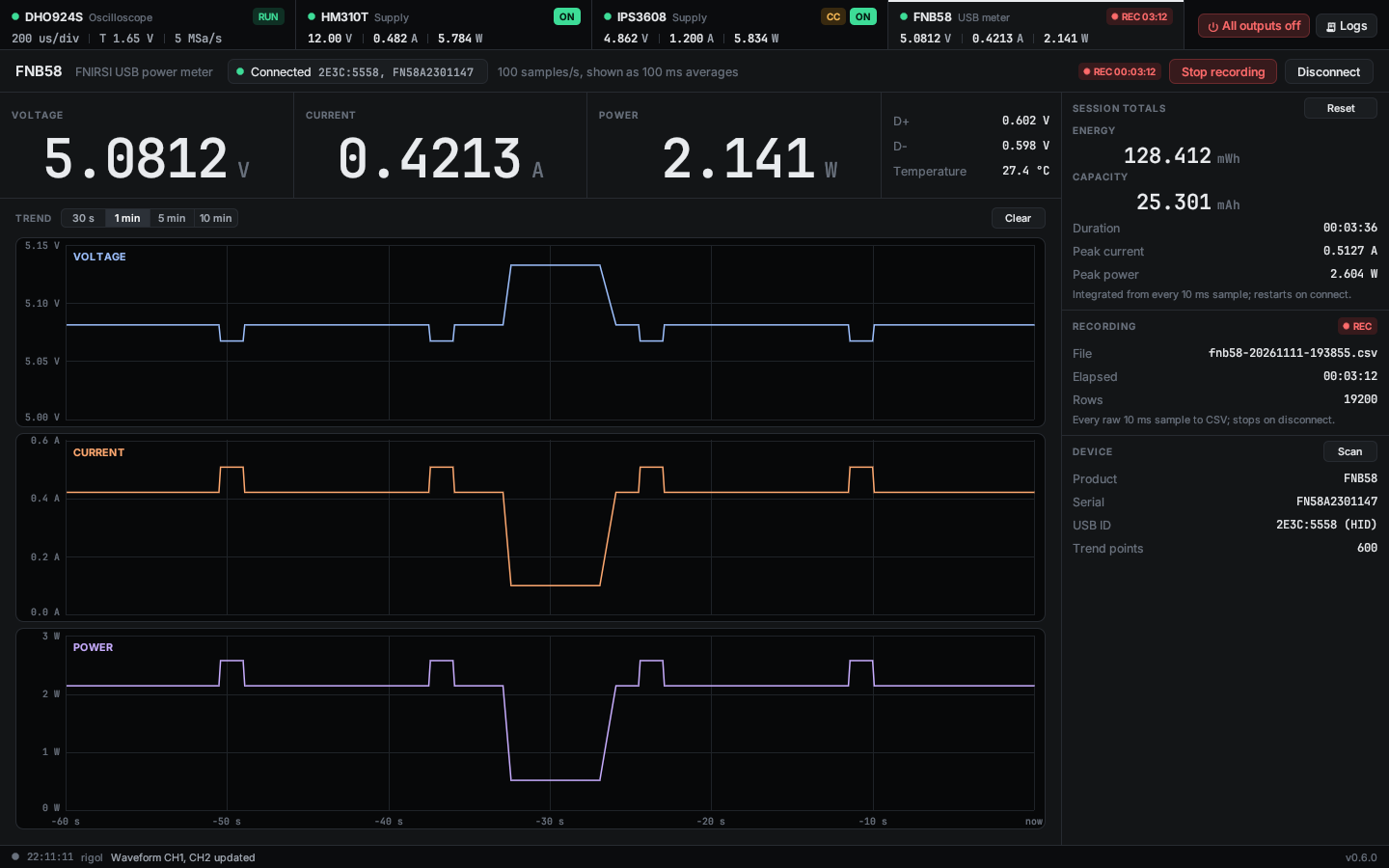
The meter page streams voltage, current and power at 100 samples per second, adds up energy and capacity, and records every sample to a CSV file.
Screenshots
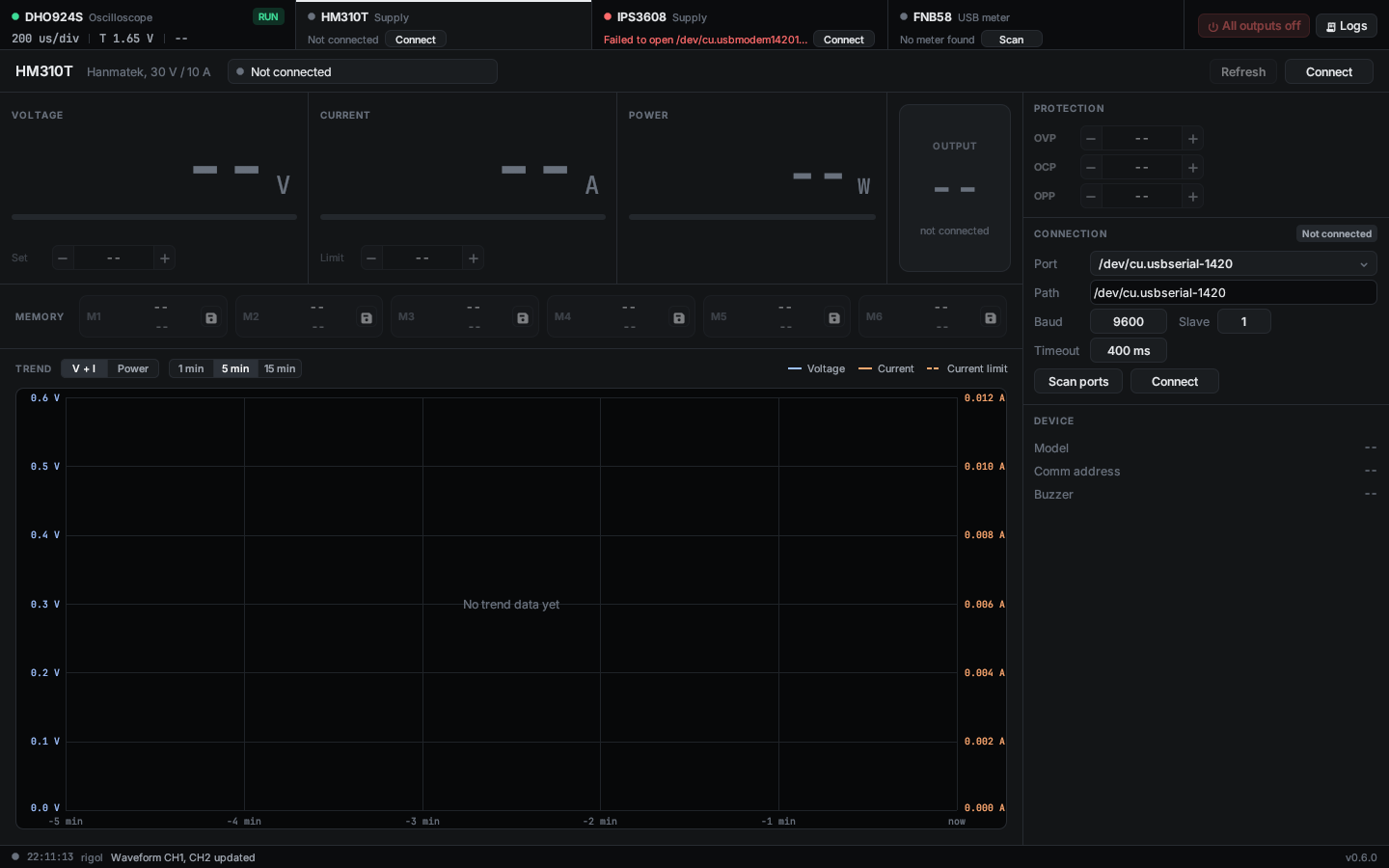
All taken in demo mode.
Supported instruments
| Device | Kind | Transport | Status |
|---|---|---|---|
| Rigol DHO924S | oscilloscope | LAN, SCPI over TCP | verified |
| Hanmatek HM310T | power supply | USB serial, Modbus RTU | verified |
| FNIRSI IPS3608 | power supply | USB CDC serial, FNIRSI binary protocol | verified |
| FNIRSI FNB58 | USB power meter | USB HID | verified |
All four are verified: the project's owner runs each of them with the app, on macOS. What each one does, its limits and what is not supported or not confirmed: Instruments.
Try it without hardware
BCP_DEMO=1 cargo run
BCP_DEMO=mixed cargo run
Demo mode fills the app with fixed sample data, reaches no instrument, and neither reads nor writes the settings file. mixed shows a disconnected, a failed and a missing instrument. The variables for the start page, the window size, a capture and the demo states are in Getting started.
Add your instrument
Adding an instrument today means changes in several central files, not only a folder of its own. Please send your instrument back as a merge request, also when it is not finished: it is welcome as experimental, and nobody has to integrate it a second time.
Works with a coding agent: point it at AGENTS.md.
Before you connect a supply
The app switches real power supplies, and it comes without any warranty (see the license, MIT OR Apache-2.0).